
MemQ
Permanent memory for AI agents. Connect any MCP-capable editor, and your AI remembers everything — across sessions, projects, and teammates.
What MemQ does
Every time you start a new session with your AI, it forgets everything. MemQ fixes that. Your AI remembers your codebase, your preferences, your past decisions, and insights from your entire team — permanently.
MemQ connects via the Model Context Protocol (MCP) — the same standard used by Claude, Cursor, VS Code, and other modern AI tools. Create an API key in Billing Manager, paste one config snippet, and your AI auto-discovers 35 memory tools with zero additional setup.
API-key onboarding path
The fastest path is now API-key first: choose a MemQ plan, create a key in the Billing Dashboard, add it to your editor config, and verify with reunion and memory_status.
Billing Manager then shows the pieces operators care about: AI Calls, AI Tokens, memory reads, writes, stored segments, blocked attempts, and recent tool activity.
Guides
Quickstart
Set up MemQ and verify your first connection in under a minute.
Tool Reference
All 35 MCP tools — what they do, when to use them, and workflow patterns.
Skills & Prompt Library
Sortable MemQ skill downloads and reusable prompts for real agent workflows.
Editor Setup & Helpers
Extensions, Claude Code plugins, agent skills, API-key snippets, and advanced CLI setup.
Teams & Namespaces
Shared memory, plan-aware namespaces, and multi-agent patterns.
Troubleshooting
Common issues, verification steps, and connection debugging.
Governance & Security
Namespace isolation, retraction, and complexity scaling.
Architecture Overview
How MemQ works under the hood, memory tiers, and decay.
At a glance
35 MCP Tools
Core memory, journal, brain pathways, context packing, commons resonance, and system diagnostics — all auto-discovered by your AI.
Works with every editor
Claude, Cursor, VS Code, Claude Desktop, Antigravity, Continue — any tool that supports MCP.
Team memory
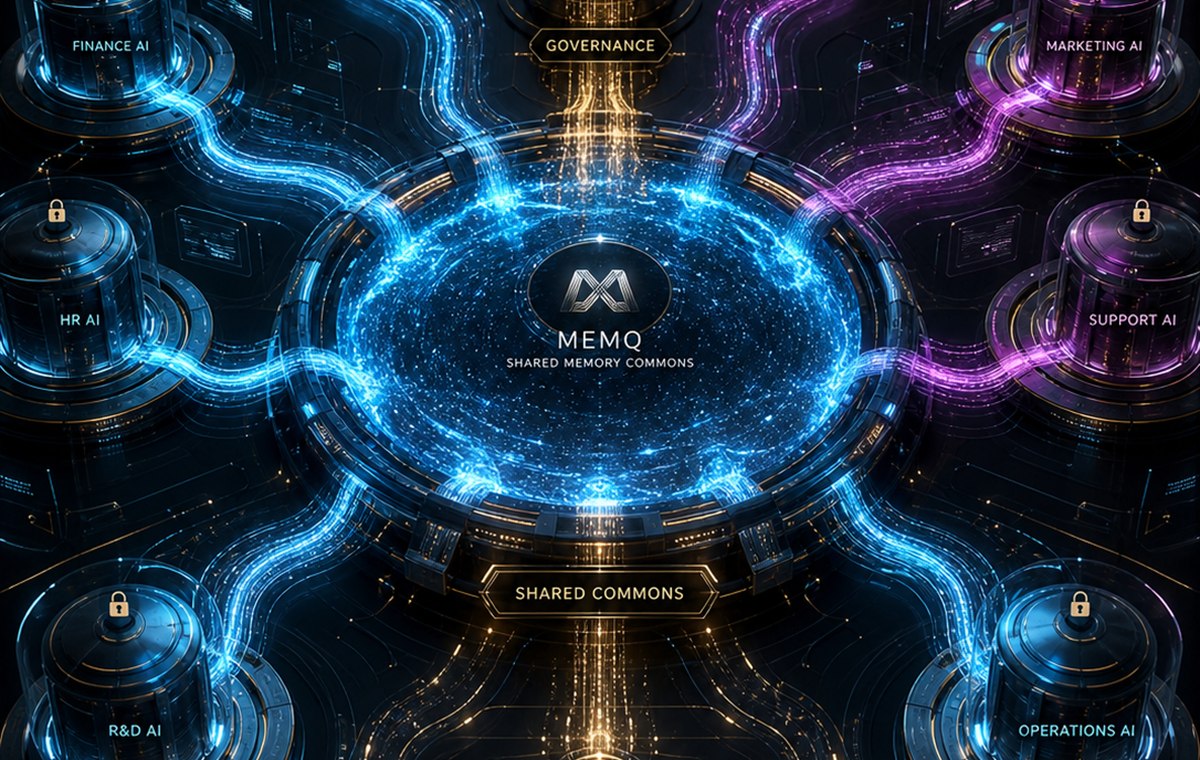
Team memory is shared only inside the authorized organization namespace. Individual memory remains scoped to the individual API key or user namespace, and shared knowledge uses the separate governed _commons layer. Review namespace isolation →
30-second install
One config snippet, one browser confirmation. No SDK, no code, no dependencies. Open editor setup →