
Decisions
Keep the choice and the reason behind it, so the next session has more than a summary.

Multinex MemQ
Save decisions, project knowledge, and handoffs in one memory layer. Bring the relevant context into your next AI session—even when you switch tools.
No card required. Connect through MCP with OAuth or an API key.
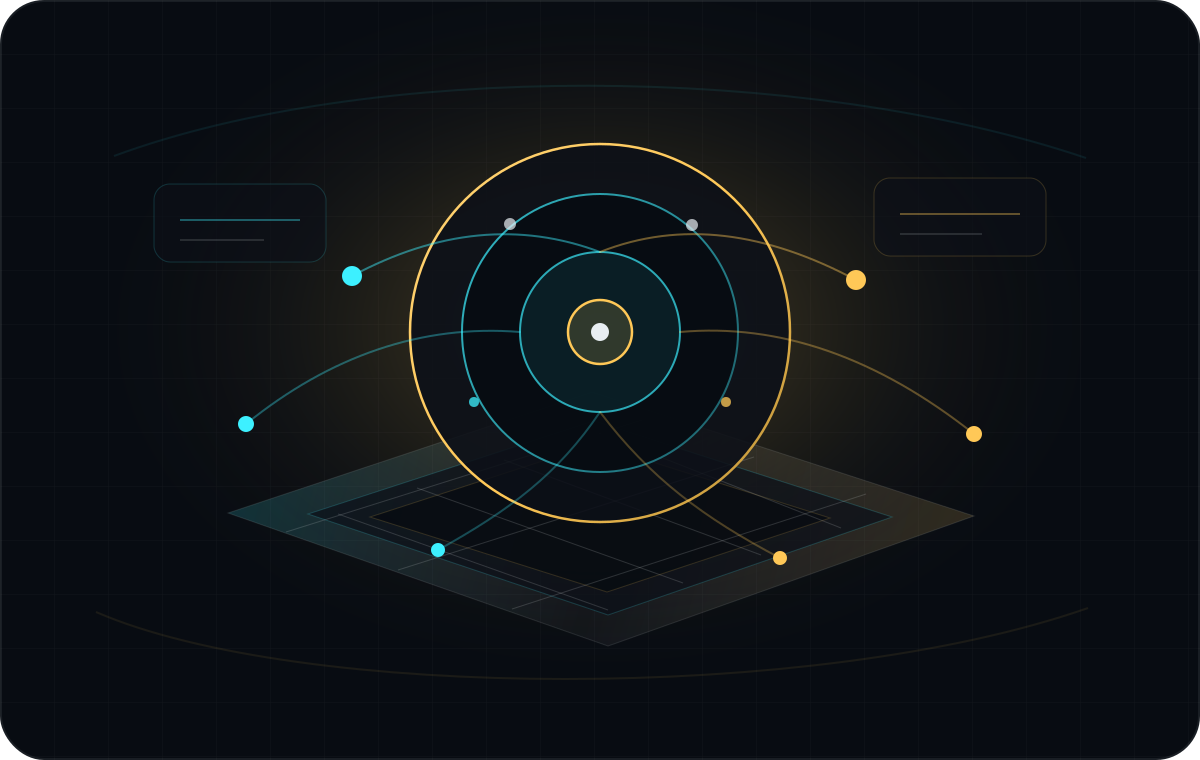 MemQ · persistent context
Saved context, ready for the next authorized session.
What stays with you
Keep the choice and the reason behind it, so the next session has more than a summary.
Save definitions, constraints, and working notes that your agents need to do the job.
Carry progress, open questions, and next steps into the next tool or teammate’s workflow.
The MemQ journey
Connected clients save and retrieve memory within their authorized scope. Start a new session with the context you chose to keep.
Decisions · knowledge · handoffs
Private and team access scopesShared context in practice
Adapted from the original context puzzle: decisions, fixes, and runbooks stay useful beyond the tool that created them.
Example · coding to review
“Preserve the selected plan when linking to signup.”
The next agent retrieves the saved handoff before changing the signup links.
Illustrative workflow. Both clients need access to the relevant memory; sharing is not automatic.Explore team memoryConnect your tools
Use a supported plugin or an MCP-compatible client. Follow the setup guide for your tool, then save and recall a first piece of context.
Already have an account? Connect with your existing credentials.
Start with MemQ Free, or choose a plan for your usage and team.
Use the documented plugin or MCP setup for the tools you work in.
Save a useful decision and recall it in a new session to check your setup.
AIEGES Shield + MemQ
Shield sits before MemQ on a configured MCP path. Local inspection and hosted memory have separate jobs, with separate controls.
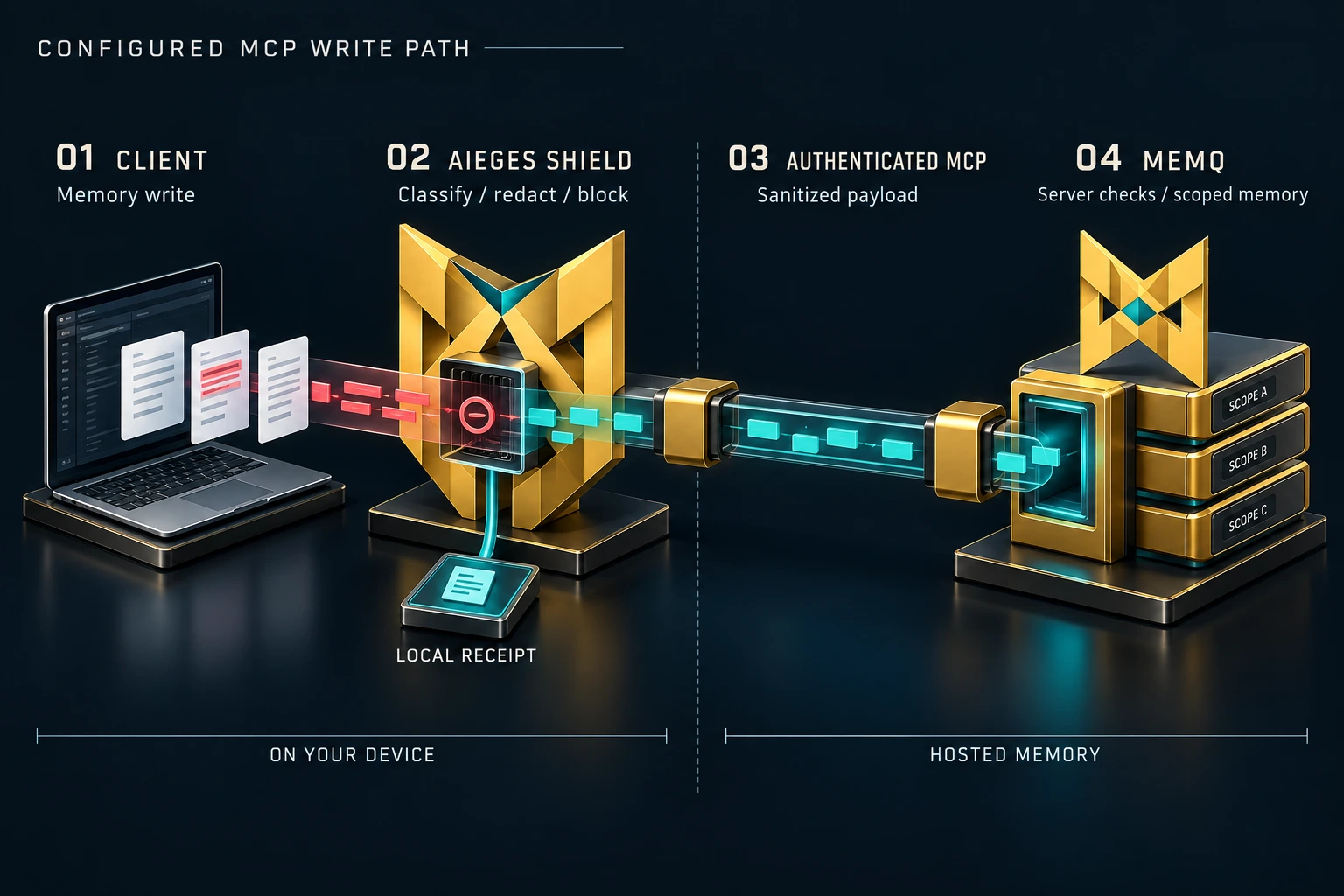
An agent prepares a memory write. Route the supported MCP connection through Shield to inspect it.
Local checks apply the configured policy. Sensitive content can be redacted or the request blocked; receipts stay on the device.
An allowed request continues to MemQ using your configured credentials. Shield does not replace MemQ authentication.
MemQ applies its own access and write safeguards, then stores accepted context within the authorized namespace.
Integration boundary. Shield is a separate protection layer, not built into every MemQ connection. The native policy-bundle and receipt handshake between the products is planned.
Inspect Shield + MemQLook closer
Inspect how MemQ works without losing your place in the product story.
Before you connect
MemQ uses authenticated namespaces to separate private memory from team and shared knowledge. Access depends on your account and configured scope; connecting another tool does not make your private memory public.
Team plans provide a shared team namespace. Connect tools with the appropriate team credentials so teammates and agents can work from the same saved context. Personal memory remains separate.
MemQ recalls context that has been saved to it. What gets saved and when it is recalled depends on your connected client, skills, and workflow. It does not automatically import every chat or replace your source systems.
No. MemQ works independently today. Crosswalk is a separate product preview for reviewing CRM and lakehouse mappings. Its planned MemQ integration does not change how you get started with MemQ.
Start with one useful memory
Start free. Compare plans when you need more capacity or shared team memory.